


Today, we'll be using Tripo 3D AI and the Bambu Lab P1S to create merchandise for a niche anime character.
Our goal is to create the "Gonpachi Eraser" from the anime "Odd Taxi," a crucial "MacGuffin" that drives the plot!
Tripo AI
Tripo AI is an AI-powered 3D model generation tool available online. Tripo AI features a simple and easy-to-use interface, supporting multi-modal input.
Users can generate 3D models by entering text descriptions or uploading images into Tripo AI, without any prior 3D modeling experience.
In the design process, 3D modeling is often a time-consuming and complex step, especially when dealing with heavy workloads. How to accelerate the process while maintaining quality is a pain point for many designers and teams.
Tripo AI was created precisely to address this need. This AI-driven platform not only automatically generates high-quality 3D models but also provides a variety of design tools to help designers quickly complete projects and enhance creative output.
Tripo AI is an artificial intelligence platform specifically designed for 3D modeling and visualization, aiming to help designers, architects, game developers, and others accelerate their design workflows.
Through AI technology, Tripo AI can automatically generate realistic 3D models, significantly reducing the time from concept to completion, allowing designers to focus on creativity and fine-tuning details, rather than being bogged down by tedious technical work.
In addition, Tripo AI supports the import and export of various design file formats, making it suitable for multiple fields, including architectural design, game development, film production, and other industries, enabling teams to flexibly handle different types of design requirements.
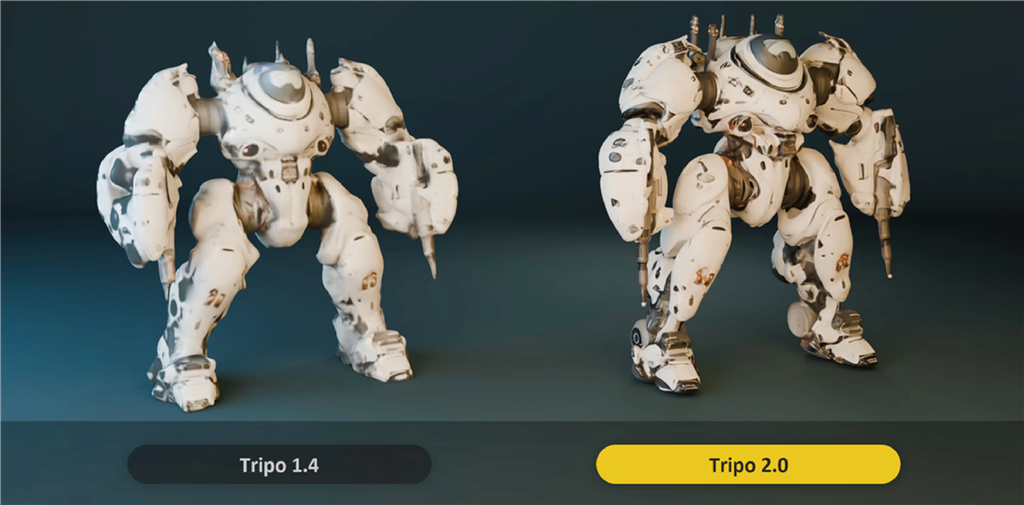
Tripo AI offers both free and paid versions. The free version provides 600 credits per month, which can be used to generate approximately 24 3D models from uploaded images.
The newly released Tripo 2.0 improves the accuracy and fidelity of generated 3D models. Another update in Tripo 2.0 is that users can independently control the geometry and material aspects of the model, offering greater flexibility.
To get started, visit the Tripo AI website and register for a free account using your email address.You can begin by entering text prompts or uploading images below.

How to generate 3D models from text in Tripo AI?
1. Enter text prompts in the text input box and click "Generate" to start. If you're unsure, click "</>" to automatically generate a prompt.

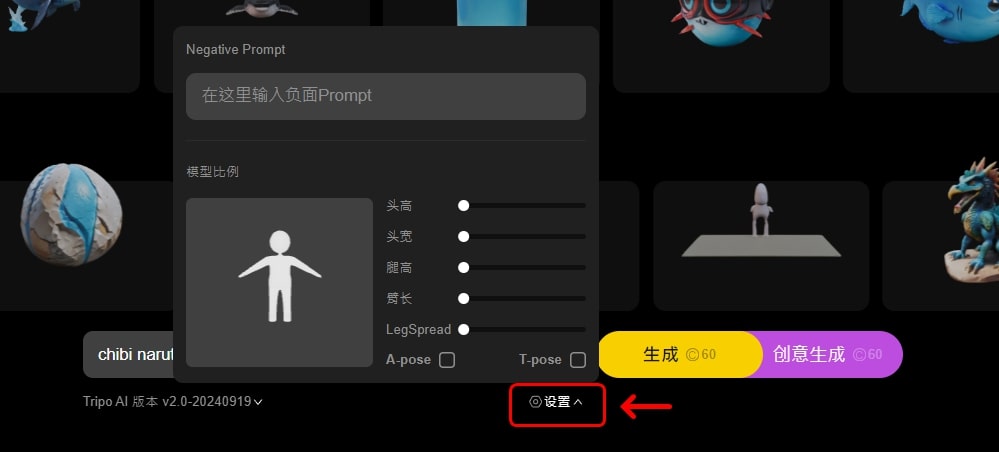
2. If you want to modify the model scale or add negative prompts, do so in the settings before clicking "Generate."
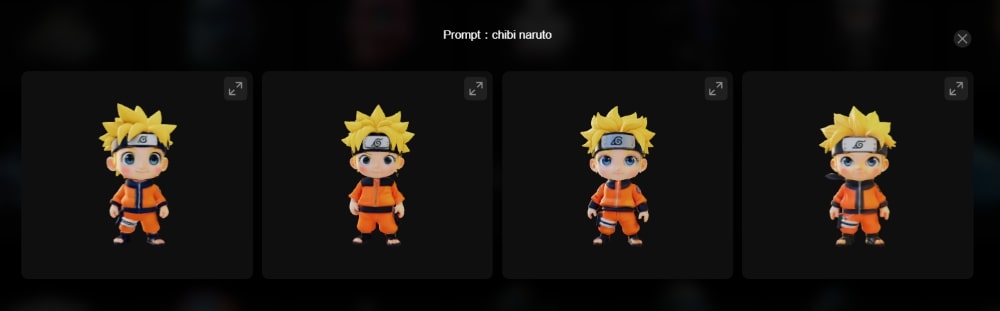
3. Tripo AI will automatically generate 3D models. The generation effect of Tripo 2.0 is significantly improved compared to before.
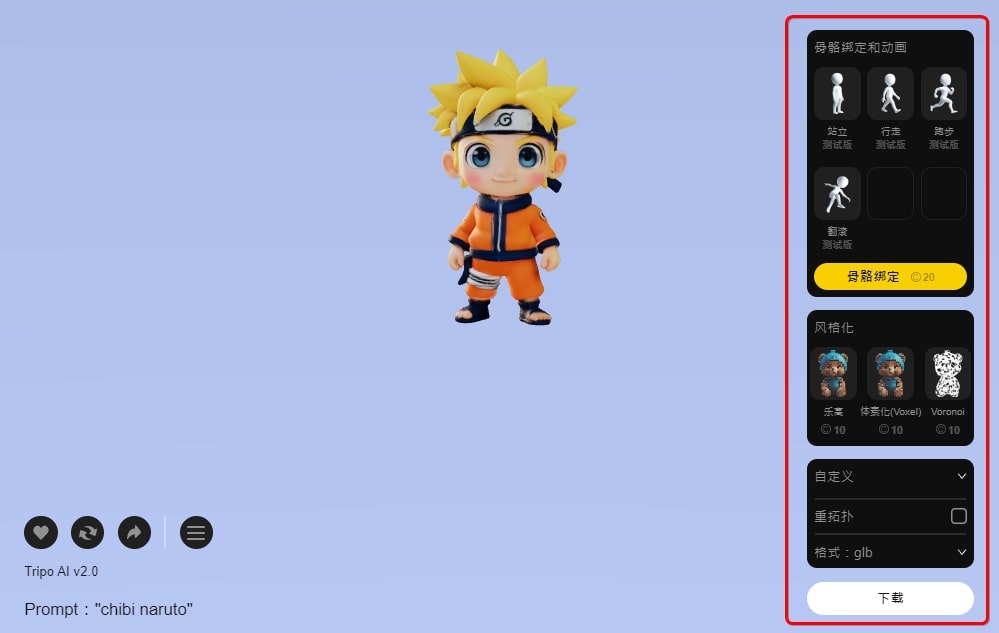
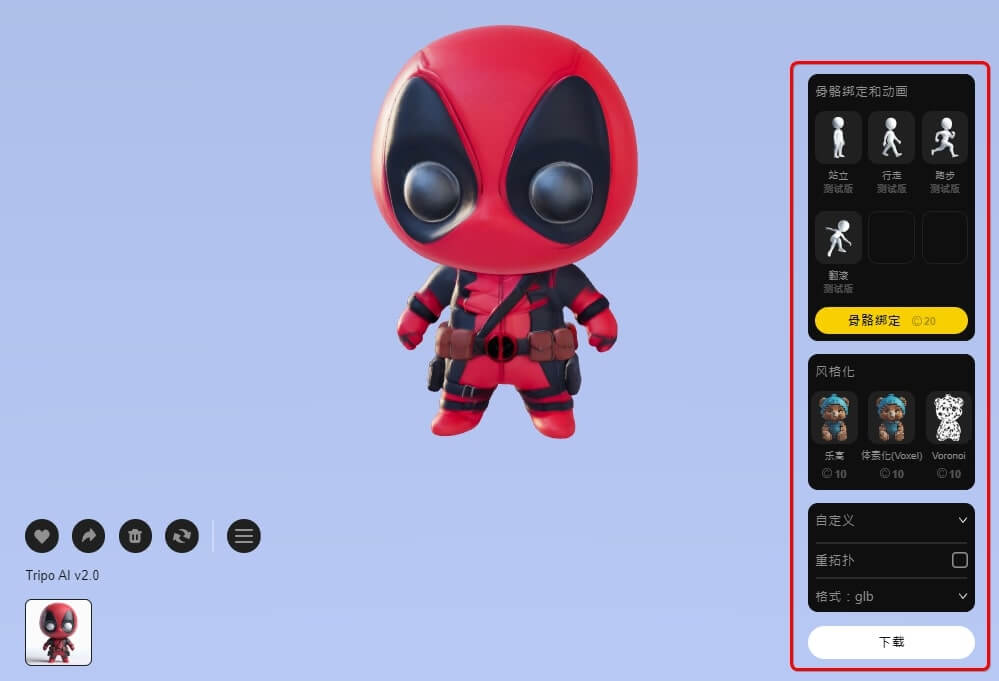
4. After clicking on a 3D model you like, you can stylize it, rig it, and then download the 3D model in formats like STL, GLB, FBX, USD, and more.
How to upload an image to Tripo AI to generate a 3D model?
1. Upload an image in the input box below, then click "Generate" to start.
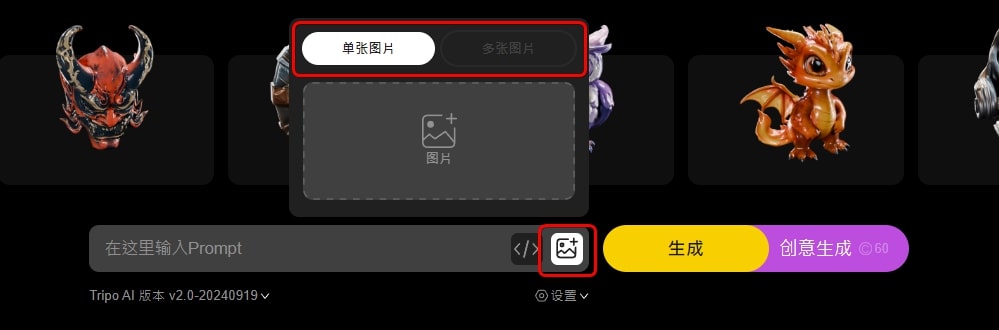
2. The image-to-3D model function will only generate one 3D model. After clicking on the model, you can stylize it, rig it, and then download the 3D model in formats such as GLB, FBX, USD, etc.
Bambu Lab P1S
The Bambu Lab P1S 3D printer is a streamlined version of the Bambu Lab X1 series, lacking some advanced features like the lidar sensor, but offering better value for money.
With dimensions of 256 x 256 x 256 mm, the P1S is equipped with a PEI-coated flexible build plate and automatic bed leveling with active vibration compensation, providing excellent performance.
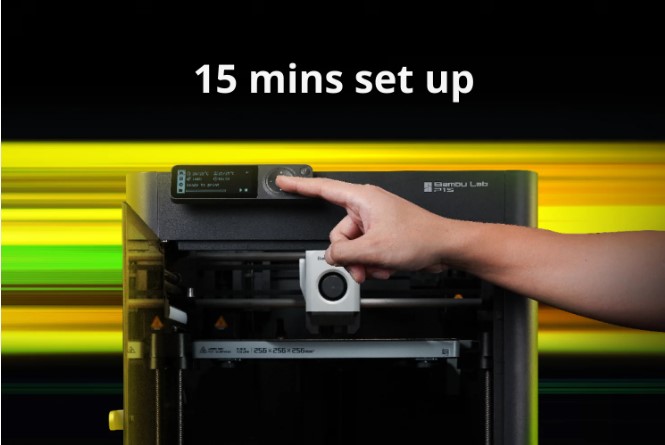
The Bambu Lab P1S is ready to use right out of the box, with setup taking only 15 minutes. You don't need to do anything; just hit the print button, and the printer will handle all calibration work for you (auto bed leveling, vibration compensation). With the P1S, enjoy hassle-free printing.
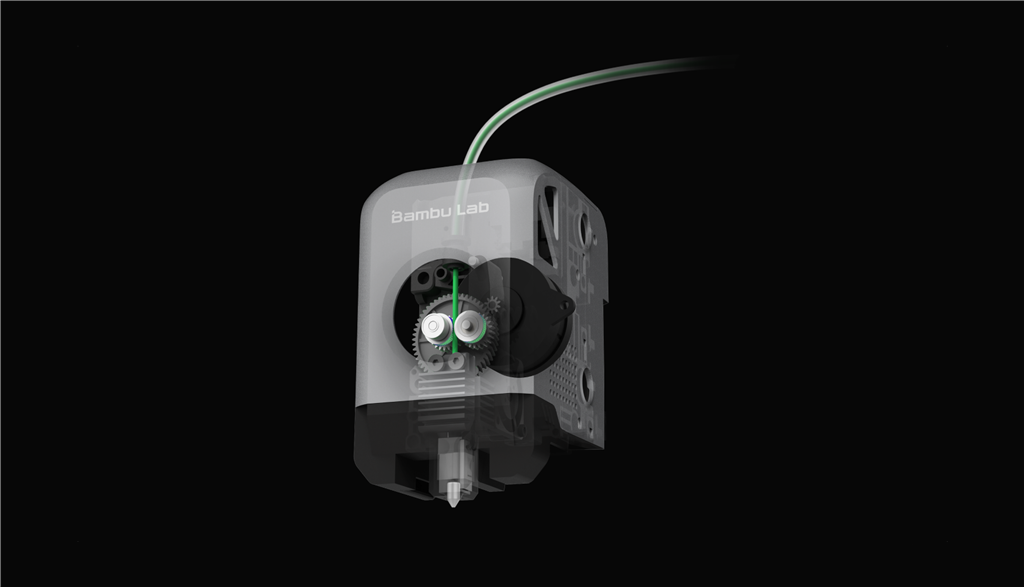
The P1S hot end is made of high-temperature resistant materials, supporting high-performance filaments like nylon and polycarbonate. It can be upgraded to a hardened hot end to easily handle carbon fiber reinforced functional plastics.
Bambu Lab's active vibration compensation and pressure advance algorithms ensure smoother extrusion.
The P1S eliminates the worry of running out of filament; it can automatically switch to a new spool when one runs out and resume printing. And there's no need to worry about power outages; printing will resume exactly where it left off.
The Bambu Lab P1S's automatic bed leveling (ABL) sensor correctly calibrates and levels the heated bed, ensuring every first layer is smooth and flawless.
Belt tension is crucial for ensuring dimensional accuracy. The P1S identifies resonance frequencies during each operation to maintain correct belt tension and monitors fan speeds to ensure fans always operate at optimal speeds.
The Future Trends of 3D Modeling AI
With the development of artificial intelligence technology, 3D modeling AI can not only accelerate the design process but also provide designers with new sources of inspiration for creative concepts.
Furthermore, as AI technology matures, we can expect more automated tools to integrate into the design workflow in the future, allowing designers to respond more efficiently to rapid market changes and demands.
This also makes learning and mastering platforms like Tripo AI one of the essential skills every designer should possess.
Additionally, for entertainment enthusiasts or home users, 3D modeling AI can also bring powerful convenience and fun.
It makes 3D modeling technology no longer an insurmountable barrier to 3D creation. As long as they have suitable hardware, everyone can easily embark on their 3Dprinting creative journey.
We believe that such developments will further popularize 3D printing-related technologies into everyone's hands in the future.